
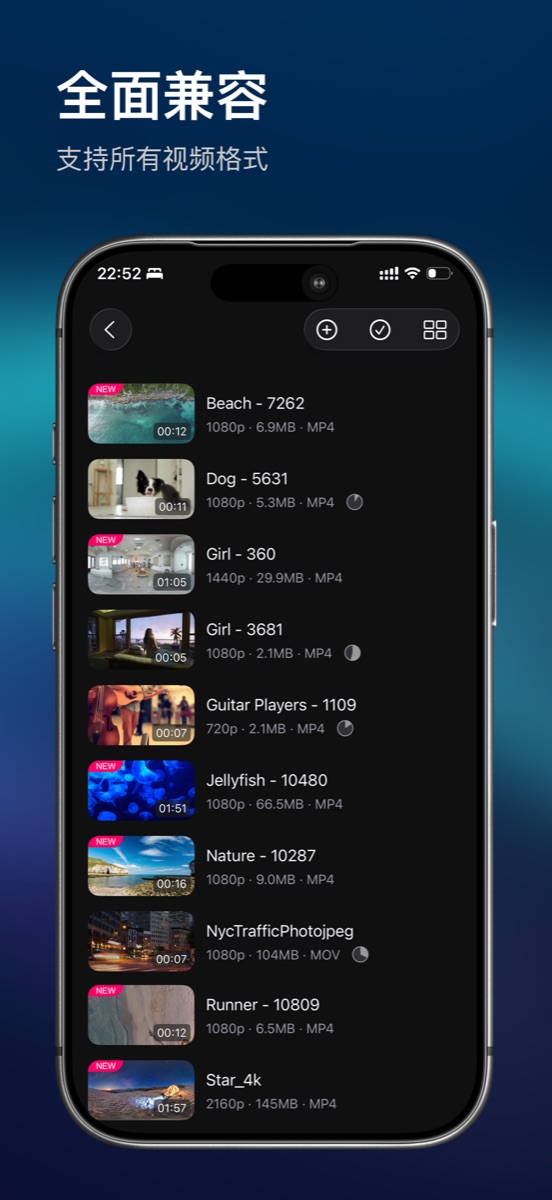
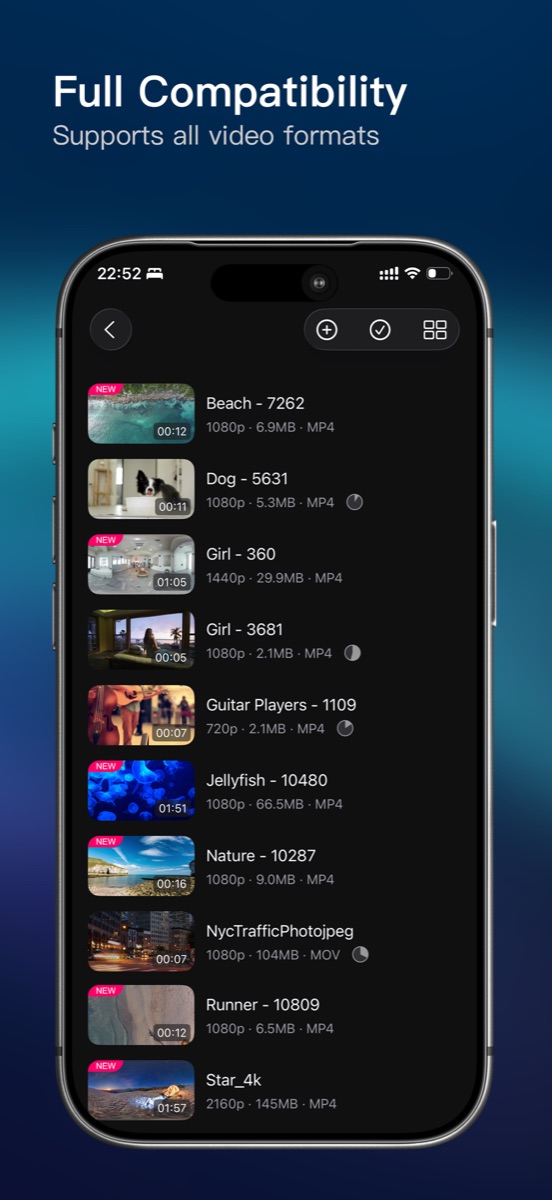
内置 FFmpeg 播放内核,MP4、MKV、AVI、MOV、FLV、WMV、TS、WebM 等常见格式基本都支持,包括 4K 与 H.265/HEVC 视频。
Powered by an FFmpeg-based engine, rPlayer plays almost all common formats — MP4, MKV, AVI, MOV, FLV, WMV, TS, WebM and more, including 4K and H.265/HEVC.
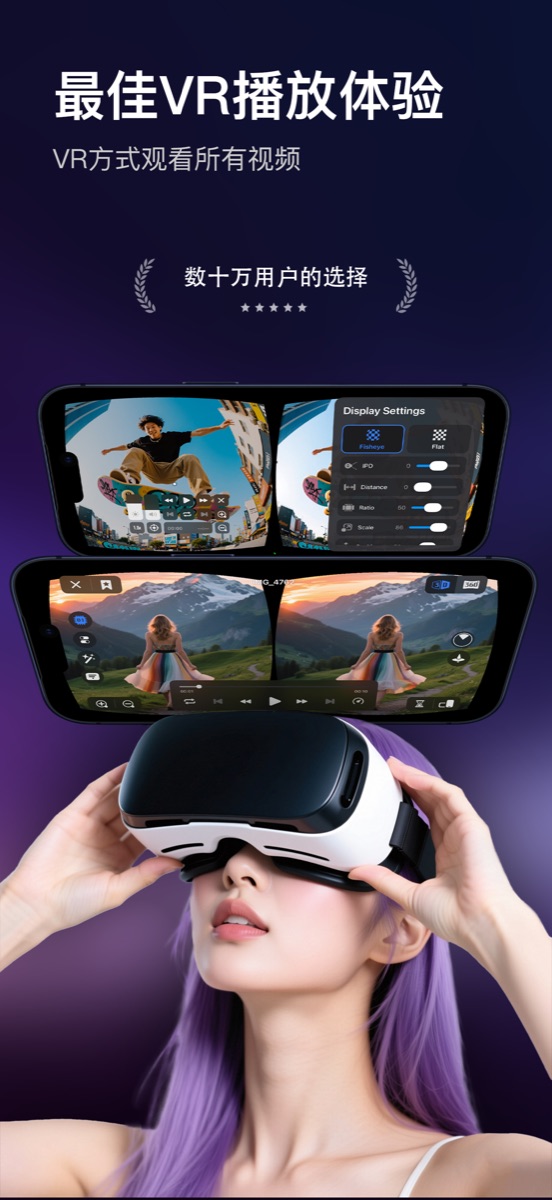
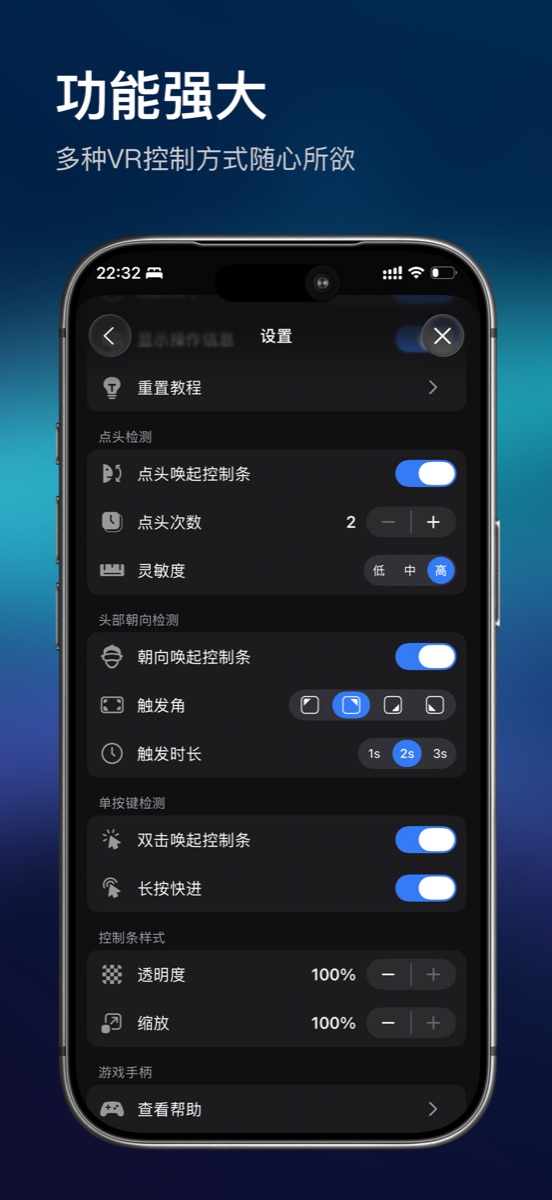
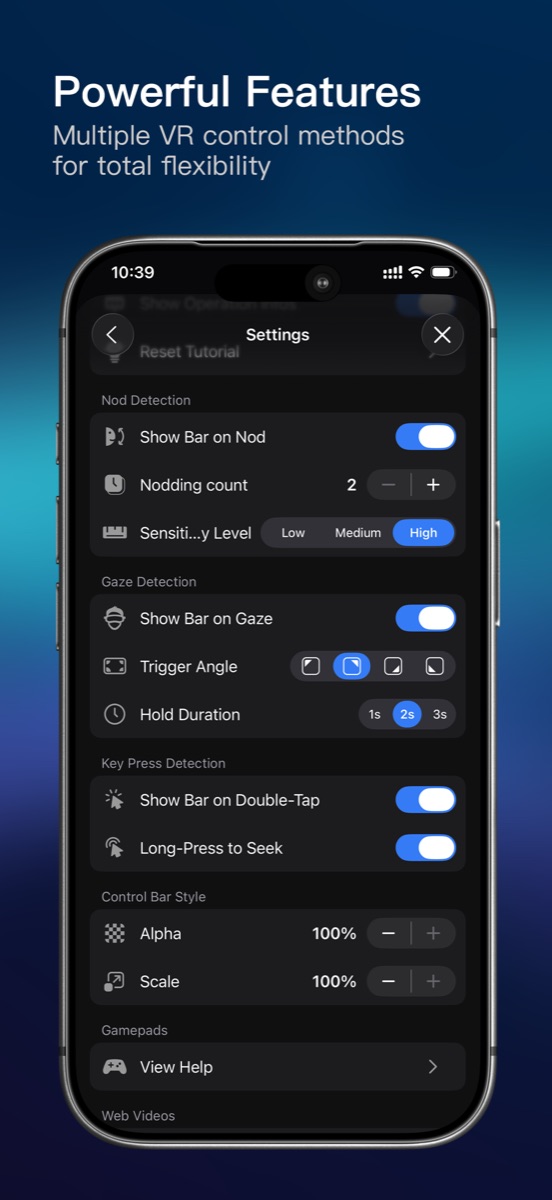
播放时一键切换显示模式:3D 左右 / 上下、180° / 360° 全景、巨幕投影,配合陀螺仪自由调整视角,画面大小与视野也可以随时调。
Switch display modes while playing — 3D side-by-side / top-bottom, 180° / 360° panorama and giant screen. Look around freely with the gyroscope, and adjust screen size and field of view anytime.
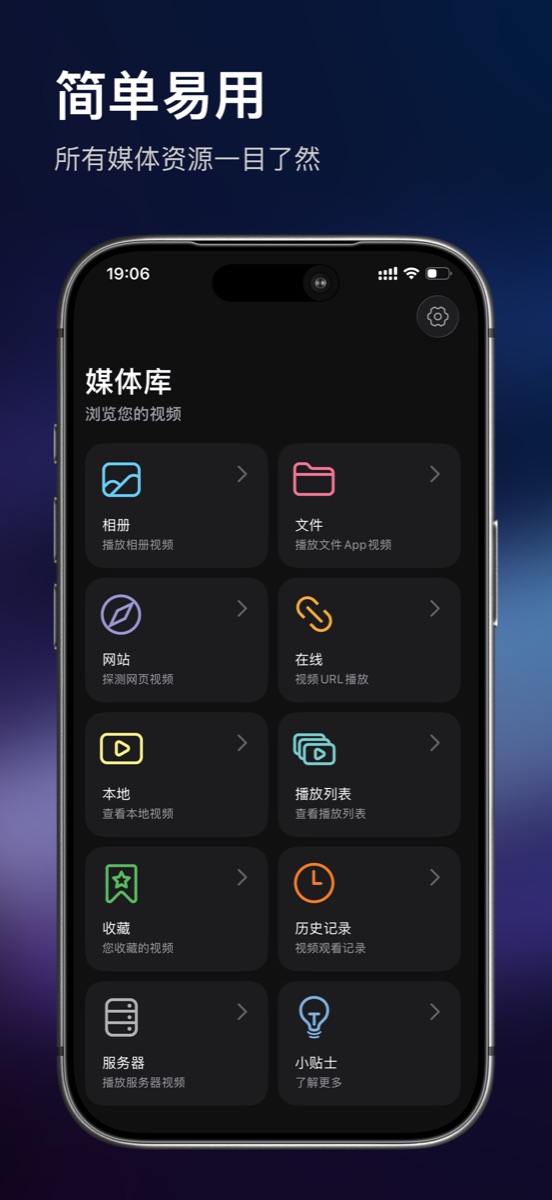
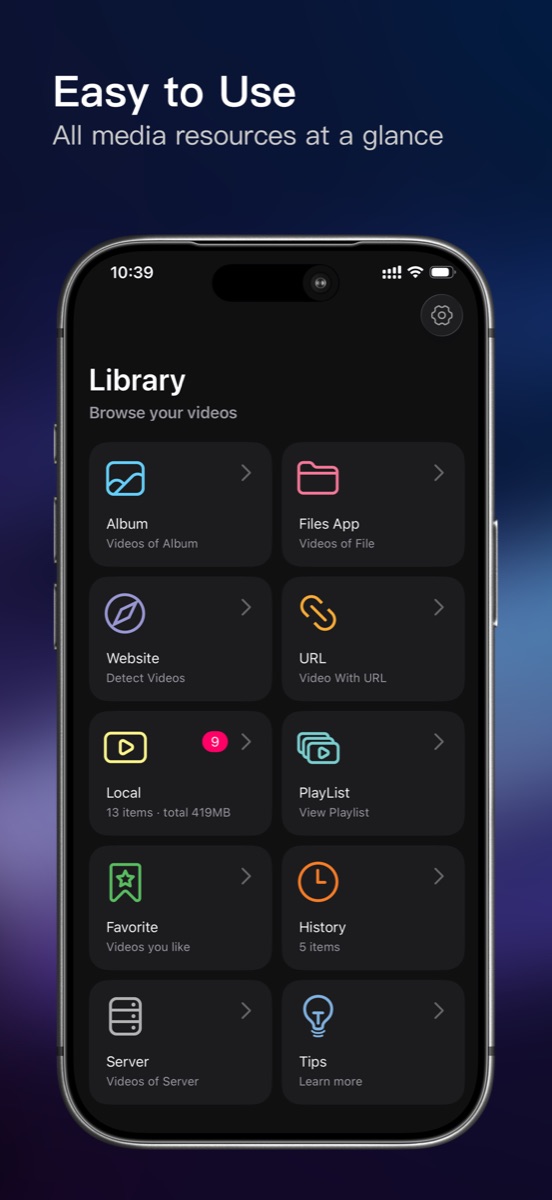
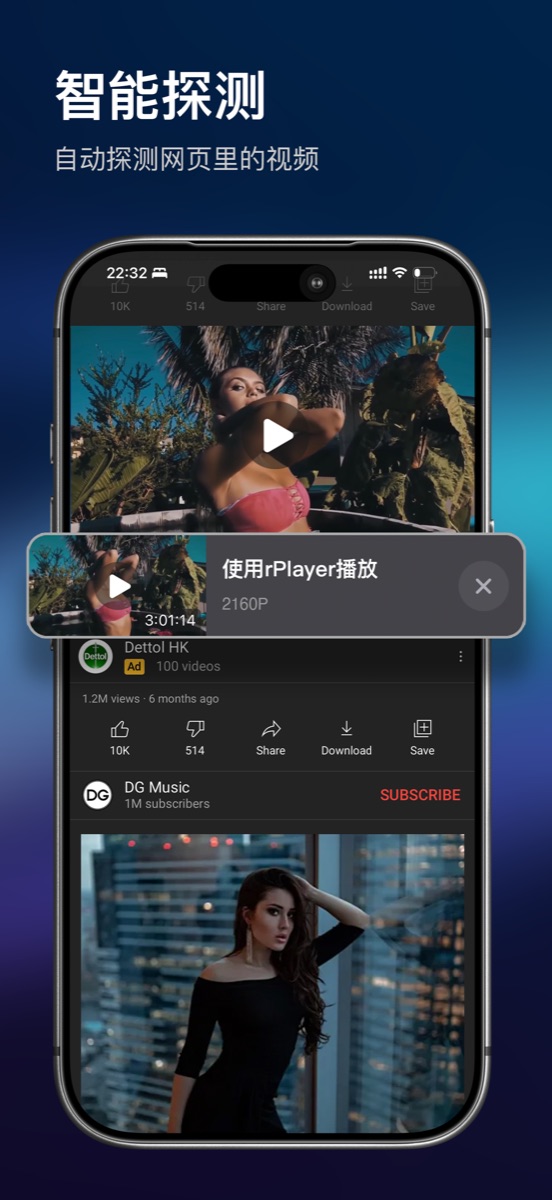
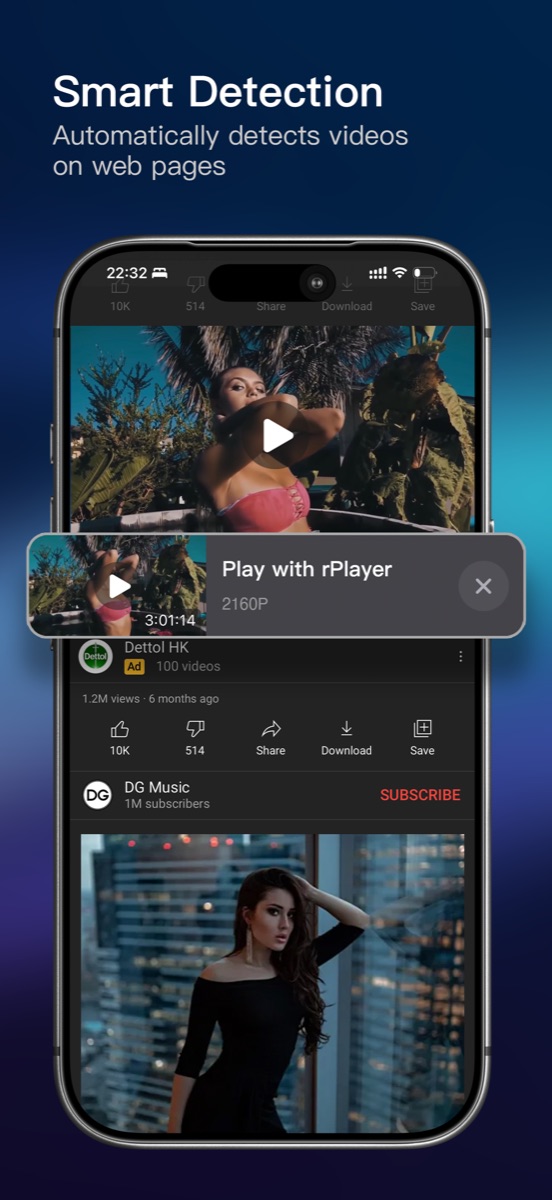
途径很多:Wi-Fi 传输、USB 导入、「文件」App、系统相册、直接粘贴链接,还能用内置浏览器自动嗅探网页里的视频。
Plenty of ways: Wi-Fi transfer, USB import, the Files app, your photo library, or pasting a URL. You can also use the built-in browser to auto-detect videos on web pages.
支持 SMB、SFTP、WebDAV 三种网络存储,可自动扫描局域网里的设备,影片既能在线直接播,也能下载到本地看。
Yes — SMB, SFTP and WebDAV are supported. rPlayer can scan your local network automatically, so you can stream right off the server or download for offline viewing.
支持。自动加载同名字幕,也可手动导入;字幕大小与延迟可调,多音轨切换、倍速播放、AB 循环也都齐全。
Yes. Same-name subtitles load automatically, and you can import your own. Subtitle size and delay are adjustable, plus multiple audio tracks, variable playback speed and AB-loop.
基础功能免费使用,部分沉浸播放功能需要会员,提供买断、月度、年度档位。在「更多」页或付费墙点「恢复购买」,用购买时的同一 Apple ID 登录即可找回。
Core features are free; some immersive playback features require membership, available as a one-time purchase or monthly / yearly plans. Tap "Restore Purchases" on the More page or the paywall while signed in with the Apple ID used for purchase.
给我们发邮件,通常一个工作日内回复。
Email us — we usually reply within one business day.
rplayer@126.com